



Tiles Survive PC vs mobile comes down to one question: where do you want to spend most of your sessions? Both versions run the same account and the same progress, so you’re not locked into a choice. This comparison uses FunPlus’s official PC launch post, the App Store listing and the official patch notes. The goal is to show what really differs between the Windows client and the phone app, and which one suits the way you play.
The Windows client is free and needs no emulator. Play Tiles Survive free on Windows PC.
Key Takeaways
- The native Windows client launched on May 8, 2026, and FunPlus says progress stays synced between mobile and PC
- App Store and Google Play accounts can log in on PC with the same account, per the official launch post
- FunPlus hasn’t published official PC system requirements, but the iOS build is under 1 GB
- Apple silicon Macs (M1 or later, macOS 12+) can run the iPhone version from the App Store
- The official Top-up Center works with your player UID, whichever device you play on
What’s the Same on PC and Mobile
The most important point first: this isn’t a choice between two separate games. FunPlus’s official announcement on May 8, 2026 says you can switch between mobile and PC while keeping your progress synced. Your Settlement, survivors, heroes, pets and alliance all live on the same account, so the same events and the same State apply on both.


That also means every system works the same way. The Power Plant, troop training, Arcadian Conquest, Reservoir Raid and the 3v3 Arena are identical on both versions, and patch notes like version 2.6.200 (September 28, 2026) apply to both. If you’re still deciding whether the game is worth your time at all, my Tiles Survive review covers that. The only question here is which screen fits your routine.
Where the PC Version Wins
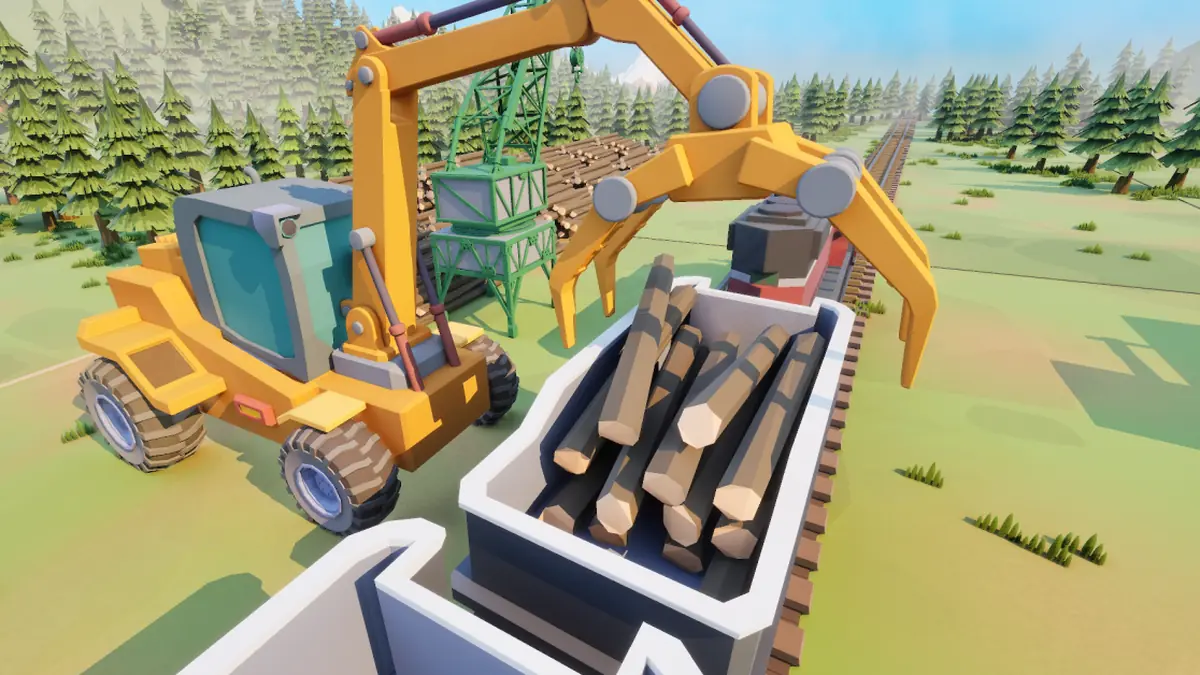
Tiles Survive starts as a casual builder, but the late game is about alliance warfare on a shared map. That’s where a monitor helps most.
- Big alliance events. FunPlus’s own Arcadian Conquest guide describes a 3-hour siege where victory goes to the alliance that holds Arcadia for 1.5 hours, or for the longest total time. Watching garrisons, towers and march queues for three hours is much easier on a large screen with a mouse.
- Chat and coordination. Alliances plan rallies and swaps in chat, and typing on a real keyboard is simply faster. Recent patches added line breaks in chat and a “Jump to Bottom” button, which helps both versions, but long messages are still easier on PC.
- No emulator overhead. Before May 2026, PC players had to run the Android app through BlueStacks or a similar emulator. The official client removes that step, and the official site offers it as a free Windows download.
Where Mobile Still Wins

A lot of this game happens in short check-ins: collecting production, claiming Intel rewards, hatching Pet Eggs, using free daily heals and joining rallies. Phones are built for that.
- Notifications. Version 2.5.000 added per-channel chat notification settings, and 2.5.400 added a “No Preview” option. You can tune what pings you without muting your alliance.
- Short sessions anywhere. Timers keep running whether you’re at your desk or not, and a phone lets you restart a build queue in seconds.
- Foldables are getting attention. In the October 16, 2026 Developer Feedback, FunPlus said it’s working on better split-screen and floating-window support for Android foldables, so you can check messages while the game stays visible. It’s still in testing, with device compatibility to be announced.
Requirements and Download Size
FunPlus hasn’t published a minimum or recommended spec sheet for the Windows client. I couldn’t find one on the official site or in the launch announcement, so treat any exact numbers you see elsewhere with caution. What we do know: the installer is a small launcher that downloads the rest of the game, and my Tiles Survive beginner guide walks through that install step by step.
On mobile, the App Store lists a 977.9 MB download that requires iOS 15.0 or iPadOS 15.0 or later. That’s a light game by modern standards, so older phones are rarely the problem.
There’s also a third option many players miss. The App Store listing shows the iPhone version running on a Mac with macOS 12.0 or later and an Apple M1 chip or newer. If you’re on an Apple silicon Mac, that’s an official way to play on a big screen without Windows.
Purchases, Support and the Top-Up Center
Spending works the same across devices because it’s tied to your account. On mobile, the App Store lists in-app purchases from $0.99 to $99.99. FunPlus also runs an official Top-up Center at store.funplus.com, where you sign in with your player UID (tap your avatar in the top-left corner to find it). It sells Waypoints, which the store describes as usable for all value-added services in the game. Whatever device you buy from, the items land on the same account.
Support is the one place where your platform matters. FunPlus’s launch post tells players to contact support through the platform they downloaded the game from, or to email [email protected]. If you started on Google Play, start your support request there.
My Pick: Which Version Should You Play?
For most players, the answer is both. Use PC for long sessions, alliance events and anything that involves the world map or chat. Keep the phone for quick check-ins between them. Since progress is shared, there’s no downside.
If you can only pick one, choose by play style. Casual builders who log in a few minutes at a time will be happy on mobile. Players who want to compete in alliance events, or who are planning their team with my Tiles Survive tier list, will find the PC client more comfortable. Just bind your account to a login method before you switch, so nothing is lost.
FAQ
Is Tiles Survive on PC the same game as mobile?
Yes. It’s the same game and the same account, and FunPlus says progress stays synced between PC and mobile.
Can I play on PC with my phone account?
Yes. FunPlus confirms that accounts first downloaded from the App Store or Google Play can log in on PC with the same account.
What are the PC system requirements?
FunPlus hasn’t published official requirements for the Windows client. The iOS version needs iOS 15.0 or later and about 1 GB of space.
Can I play Tiles Survive on a Mac?
On Apple silicon Macs, yes. The App Store lists the iPhone version for Macs with an M1 chip or later running macOS 12.0 or newer.
Before you switch devices, read the Tiles Survive beginner guide for the install and login steps. The Tiles Survive review weighs the pros and cons, and the Tiles Survive tier list ranks the heroes. More free strategy games are in the MMO Strategy section, and the latest patch notes are on the official Tiles Survive website.

