


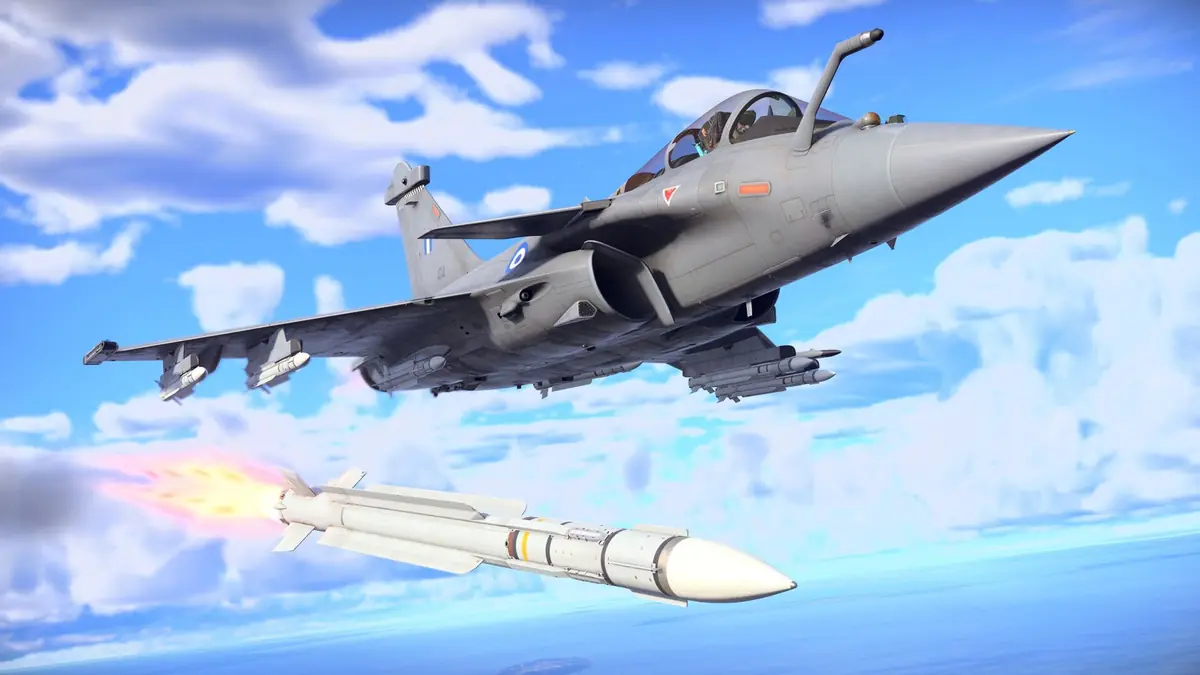
War Thunder on Mac works today on both Intel and Apple silicon machines, but there’s a deadline coming that every Mac player should know about. This guide pulls together Gaijin’s official requirements, Apple’s Rosetta announcement, a statement from Gaijin’s community team and player performance reports from MacGamingDB. Then it turns them into practical settings for M1 to M4 Macs. No benchmark here is mine: every number comes from a named source.
War Thunder is free on both Windows and macOS. Play War Thunder free on PC & Mac.
Key Takeaways
- The macOS client is an Intel build that runs on M-series Macs through Apple’s Rosetta 2 translation layer
- Apple says macOS 27 is the final release to support Rosetta for most Intel-only apps
- Gaijin’s community team said in June 2026 that it is “investigating” support for a Universal/ARM64 build
- Player reports show around 60 fps on base M2 and M4 chips at Medium to High, and 90-120 fps on Pro and Max chips
- CrossOver isn’t a workaround: players report the anti-cheat blocks it
Does War Thunder Run on Apple Silicon?
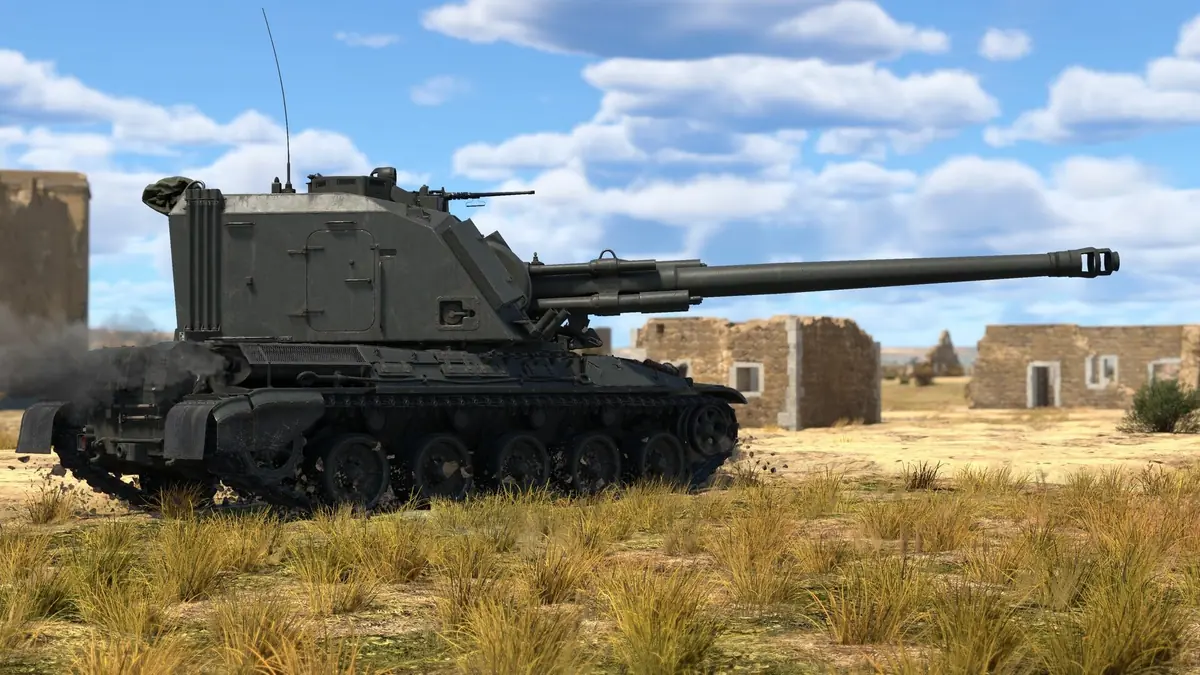


Yes, but not natively. Gaijin’s official requirements for macOS only list Intel processors: a Core i5 at 2.2 GHz minimum and a Core i7 recommended, with Intel Xeon chips not supported. Apple silicon isn’t mentioned at all. MacGamesList, last verified in August 2026, confirms the Mac client is an Intel build that M1 and later chips run through Rosetta 2, Apple’s translation layer.
The rest of the official requirements are modest. You need macOS Big Sur 11.0 or newer, 6 GB of RAM (8 GB recommended) and a GPU with Metal support, at a minimum resolution of 720p. Storage depends on the client you choose: 22.1 GB for the minimal client or 62.2 GB for the full one. Note that the Steam page lists older and bigger numbers, Catalina 10.15 and 70 GB. The official site’s figures are the more current ones.
Players on the official forum also report that the launcher itself runs under Rosetta. In a September 2026 thread, one Mac player asked Gaijin to make the launcher native and to add Apple’s MetalFX upscaling.
The Rosetta Deadline: What Mac Players Need to Know
This is the most important part of the guide. On September 1, 2026, Apple’s developer news announced that macOS 27 is the “final release to support Rosetta,” after which Intel-only apps will no longer run on Apple silicon Macs. Apple added one exception: Rosetta support continues for older, unmaintained games that rely on Intel-based frameworks.
War Thunder is very much maintained, so it’s unclear whether that exception covers it. Gaijin hasn’t said. What the company has said came from Community Manager Smin1080p_WT on the official forum on June 16, 2026: “for Universal app/ARM64 build Macs, we are investigating potential outcomes regarding support.” That’s not a promise, but it means the problem is on Gaijin’s radar.
What this means in practice:
- On macOS 26 or 27: War Thunder still runs. Players report a Rosetta warning pop-up since macOS 26.4, and some forum users say they had to reinstall Rosetta after updating to macOS 27.
- Before a future macOS update: check Gaijin’s news and the official forum before you install it, and wait if there’s no word on Mac support.
- Don’t buy a Mac only for War Thunder until Gaijin confirms native Apple silicon support.
M1 to M4 Performance: What Players Report
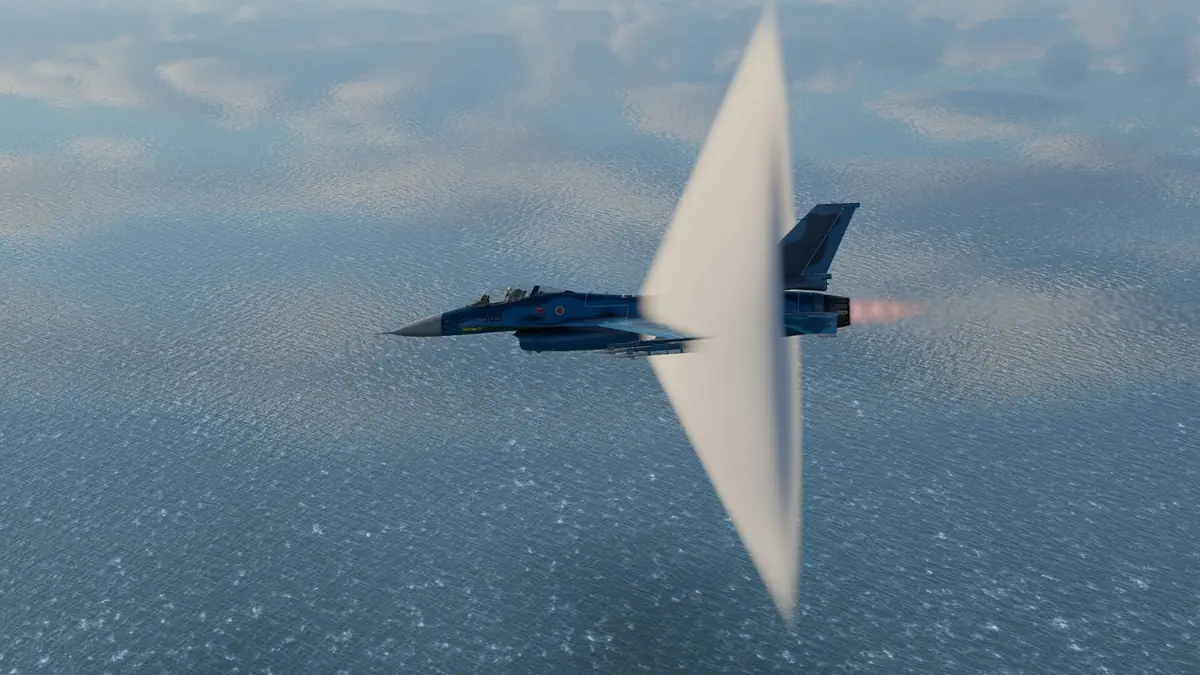

MacGamingDB collects player reports by chip and settings. They’re individual results, not lab benchmarks, but they’re consistent:
- M1 Pro: Ultra preset at 3024×1964, about 110 fps, installed through Steam
- M2 (base): 60 fps at High in one report and at Medium in another, with one player saying 60 fps holds on any preset
- M2 Max (32 GB): Ultra at 2560×1440, about 120 fps
- M3 Pro (18 GB): Ultra at 1920×1080, about 90 fps, “with occasional stutters”
- M4 (base): Medium at 2160×1440, 60 fps through Steam
- M5 (base): 120 fps at Medium in one report, 70 fps at High in another
The pattern is clear. Base chips land around 60 fps at Medium to High, while Pro and Max chips can push Ultra. The weak spot is consistency, not average frame rate: the September forum thread complains about frame drops and micro-stutters in heavy battles, even on newer M-series Macs.
Best Settings for Each Chip
Based on those reports and the official requirements, here’s where I’d start:
- Base M1, M2 and M4 MacBook Air or Mac mini: the Medium preset, with the frame rate capped at 60. Lower the render resolution below the Retina native resolution before you drop textures. A steady 60 fps matters more than visual quality in tank fights.
- Base M-series MacBook Pro: High at your display’s scaled resolution. Base M5 reports suggest Medium gives a lot of headroom for high-refresh screens.
- Pro and Max chips: High to Ultra. The M2 Max report shows about 120 fps on Ultra at 2560×1440, but drop to High if heavy battles stutter.
- Storage: on a 256 GB Mac, install the 22.1 GB minimal client instead of the 62.2 GB full client.
If you’re new to the game, my War Thunder beginner guide covers which mode and nation to start with, so your first sessions run smoothly.
Installing: Official Launcher, Steam and Alternatives
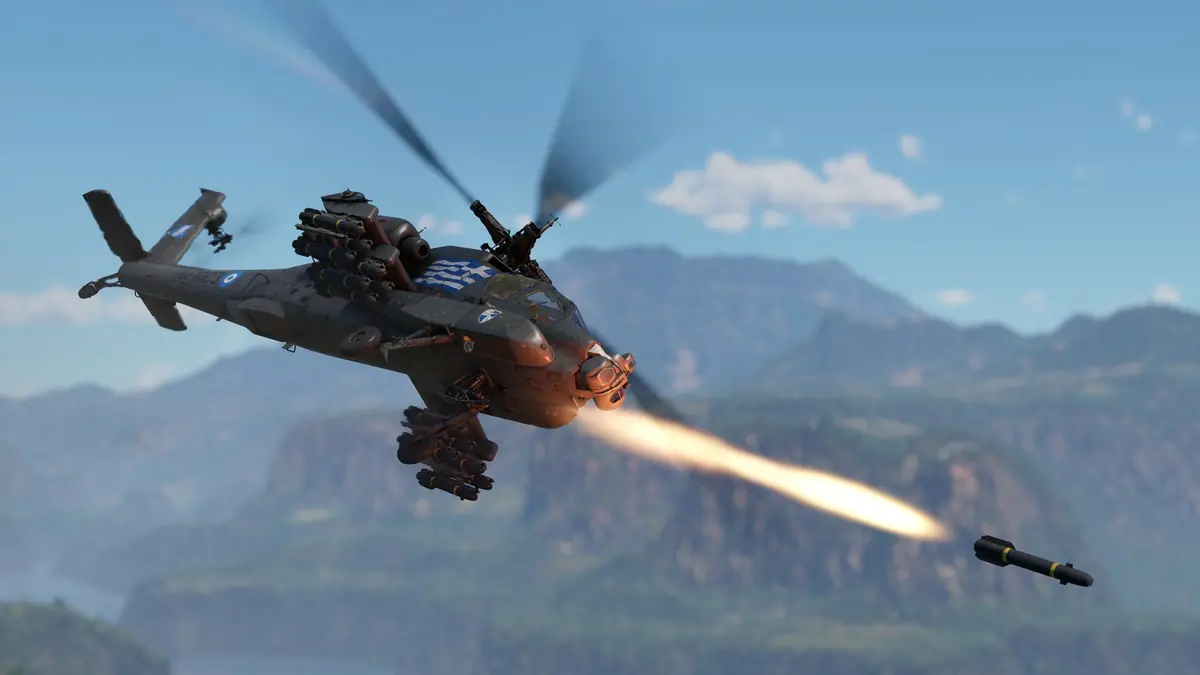
You can install the Mac client from Gaijin’s official site or through Steam, and both are free. Most MacGamingDB reports used Steam without problems, but one M3 Pro report said the Steam build was broken at the time, while the client from Gaijin’s website worked. If one fails, try the other.
Avoid the workarounds that look tempting. MacGamingDB reports running the Windows version through CrossOver on M4 Macs as unplayable, citing the anti-cheat and repeated crashes. Parallels did work in one M4 Mac mini report, at 60 to 100 fps on High, but it adds a paid subscription. Gaijin has also promoted GeForce NOW cloud streaming for Windows and macOS, which avoids Rosetta entirely if your internet connection is strong.
Mac players share servers with PC and console players, so your progress and matchmaking are the same as everyone else’s. My War Thunder tier list picks the best nations and vehicles for new players.
FAQ
Can you play War Thunder on an M1 Mac?
Yes. The Mac client runs on M1 and newer chips through Rosetta 2, and players report smooth frame rates.
Is there a native Apple silicon version?
Not yet. Gaijin said in June 2026 that it is investigating a Universal/ARM64 build.
Will War Thunder stop working on Mac?
Apple says macOS 27 is the last release with Rosetta for most Intel apps. Unless Gaijin ships a native build or War Thunder falls under Apple’s games exception, future macOS versions could break it.
How much space does War Thunder need on Mac?
22.1 GB for the minimal client or 62.2 GB for the full client, per Gaijin’s official requirements.
Before you commit your time, read my War Thunder review, then follow the War Thunder beginner guide and the War Thunder tier list. More military games are in the Military Shooters section, and the current requirements and news are on the official War Thunder website.

