


This Foundation: Galactic Frontier beginner guide explains what to focus on in your first days as a trader: which upgrades matter, how the three combat types counter each other, how to build a landing squad, and why a guild is not optional. FunPlus’s sci-fi strategy RPG launched on Steam on November 5, 2026, so a lot of new PC players are starting now on a game that mobile players have had since October 2025. The systems unlock slowly through the story, and it’s easy to waste resources before the game explains them.
The game is free on Windows PC. Play Foundation: Galactic Frontier free on PC.
Key Takeaways
- Follow the main story first: it unlocks recruitment, trade routes and landing combat
- Upgrade the Energy Core before anything else, because it caps every other building
- Build survival cabins (food, water, metal) before cannons
- Learn the triangle: Beam beats Kinetic, Kinetic beats Ion, Ion beats Beam
- Take a tank, a damage dealer and a healer on landing missions
- Join an active guild as soon as the option appears
Start With the Story
The fastest way to open up the game is the main story. Community guides are consistent on this: the recruitment hall, advanced combat modules, trade routes and landing missions all stay locked until you reach specific plot points. Side activities can wait. Push the story until it stops you with a power requirement, then go back and upgrade.



It’s also the best part of the early game. You play a trader caught between the Empire, the Foundation and smaller factions, and the plot leads toward Seldon’s Plan and the Mule. If you know the Asimov novels or the Apple TV series, the names will be familiar.
Mothership Priorities
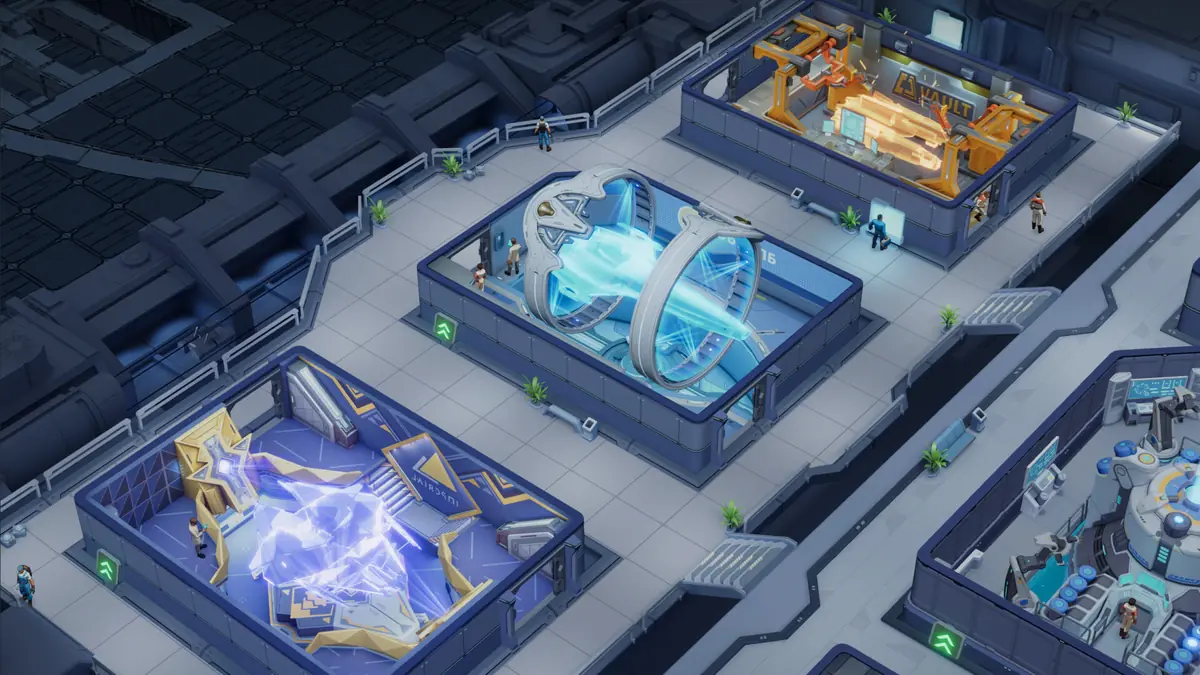
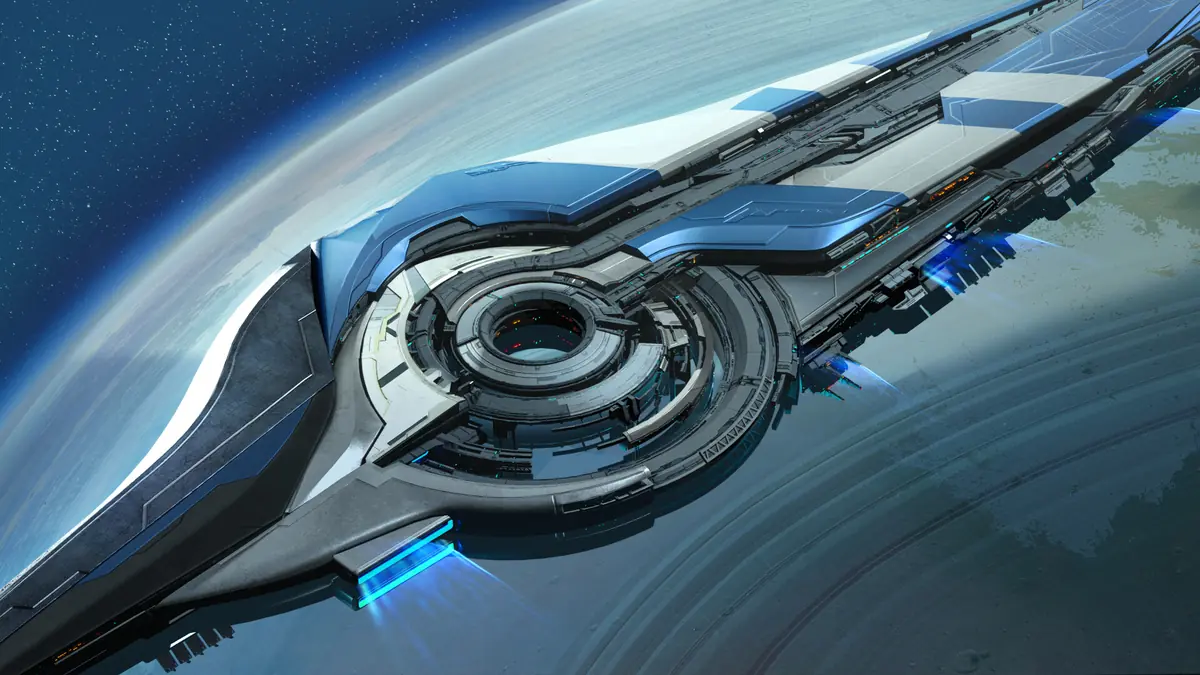
Your base is a ship, and every cabin does a job. The guides I checked agree on this order for a new account:
- Energy Core first. It sets the upgrade limit for other buildings, the level cap for champions, flagship improvements and new feature unlocks. When a build is blocked, the Core is usually why.
- Survival cabins second. Food production, water and oxygen recyclers and metal keep everything else running.
- Crew Cabins and Cargo Hold. Crew Cabins improve construction efficiency, and the Cargo Hold supports trading and storage.
- Cannons and engines later. Firepower matters once you leave safe space, not in the first hours.
Keep a builder busy at all times and collect floating wreckage when you see it, since it feeds repairs.
Resources and What to Save
The game has a long list of currencies. These are the ones worth understanding on day one:
- Food: levels up champions
- Water and Metal: buildings and repairs
- Galactic Coins: ship and fleet upgrades
- Venturous Memory: champion recruitment
- Prismatic Cores: breakthroughs and high-level upgrades
- Platinum Credits: the paid currency sold in FunPlus’s official store
My advice is to hold Speedups for Energy Core upgrades and events that reward spending them, and to hold Platinum Credits until you know which systems you care about. Gift codes are redeemed under Profile, Settings, Account, Redeem Gift Code. Guides have listed FOUNDATION and FURTHERFUTURE as working codes for Water, Metal and Speedups, though codes expire without notice.
Champions and Landing Combat
Landing missions are short third-person shooter stages played with three champions. The Steam page describes the ideal squad as a tank, a damage dealer and a healer. Early stages are forgiving, so use them to learn each champion’s skills and when to swap between them.


The common beginner mistake is levelling everyone. Food and Prismatic Cores are limited, and a progression guide from BlueStacks warns that spreading upgrades evenly is the slowest way to grow. Pick one core trio and feed it. Aliya, Cocoon and Doug Rockwell are named by community lists as champions that perform well without rare pulls, so they’re a sensible starting point until better recruits arrive.
Fleets, Energy Types and Trade Routes
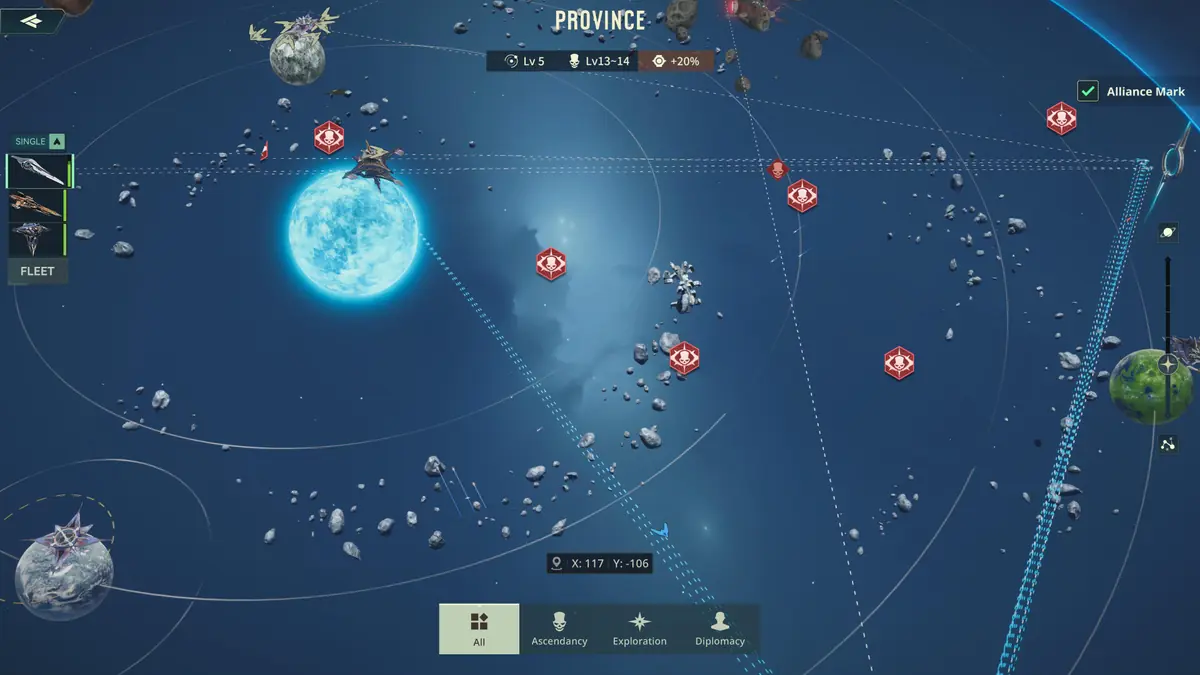
Fleet combat runs on three energy types, and each champion and ship belongs to one:
- Beam is strong against Kinetic and weak against Ion
- Kinetic is strong against Ion and weak against Beam
- Ion is strong against Beam and weak against Kinetic
Check the enemy type before you send a formation, because attacking into your counter wastes ships. Flagships lean toward a type as well. Guides list Gram for Kinetic teams, Demerzel for Ion teams and Opportunity for trading. Match your commander champions to the fleet they lead so their bonuses apply.
Trade routes unlock through the story and become your steady income. Early fleet fights exist mostly to teach you that routes need protecting. Visit a Home Port daily for its rewards and trade offers.
Join a Guild Early
Alliances in this game are called Commerce Guilds. Membership unlocks help requests that shorten timers, guild events and shared benefits, and an active guild protects your routes from rivals. Solo players fall behind quickly in a game built around territory.
Look for a guild with daily activity in your time zone, not the biggest name on the list. Large-scale wars over planets and star systems come later, and you’ll want to be in a group that organises for them.
FAQ
What should I upgrade first in Foundation: Galactic Frontier?
The Energy Core. It controls building limits, champion level caps and feature unlocks.
Which energy type is best?
None on its own. Beam beats Kinetic, Kinetic beats Ion and Ion beats Beam, so you need to match the enemy.
How many champions go on a landing mission?
Three. A tank, a damage dealer and a healer is the standard squad.
Do PC and mobile players share servers?
Steam lists cross-platform multiplayer, so PC and mobile players play together.
For the bigger picture, read my Foundation: Galactic Frontier review, and plan your roster with the Foundation: Galactic Frontier tier list. You’ll find similar games in MMO Strategy, and announcements on the official Foundation: Galactic Frontier website.


